| .. | ||
| .readme_res | ||
| src/main | ||
| pom.xml | ||
| README.md | ||

Running the demo
1. Install Google Cloud SDK
Linux
Install the Appengine SDK.
$ sudo apt-get install google-cloud-sdk-app-engine-java
Mac
Install the Google Cloud SDK.
$ brew install google-cloud-sdk
Use GCloud CLI to install the Java Appengine
$ gcloud components install app-engine-java
2. Add IDE Plugin
Intellij
Install Cloud Code Plugin for Intellij
If you have worked with the App Engine Plugin before, please migrate.
Eclipse
Install Cloud Code Plugin for Eclipse
Visual Studio Code
Install Cloud Code Plugin for Visual Studio Code
3. Run
Most IDEs should autodetect your configuration after installing the plugin (and restart)
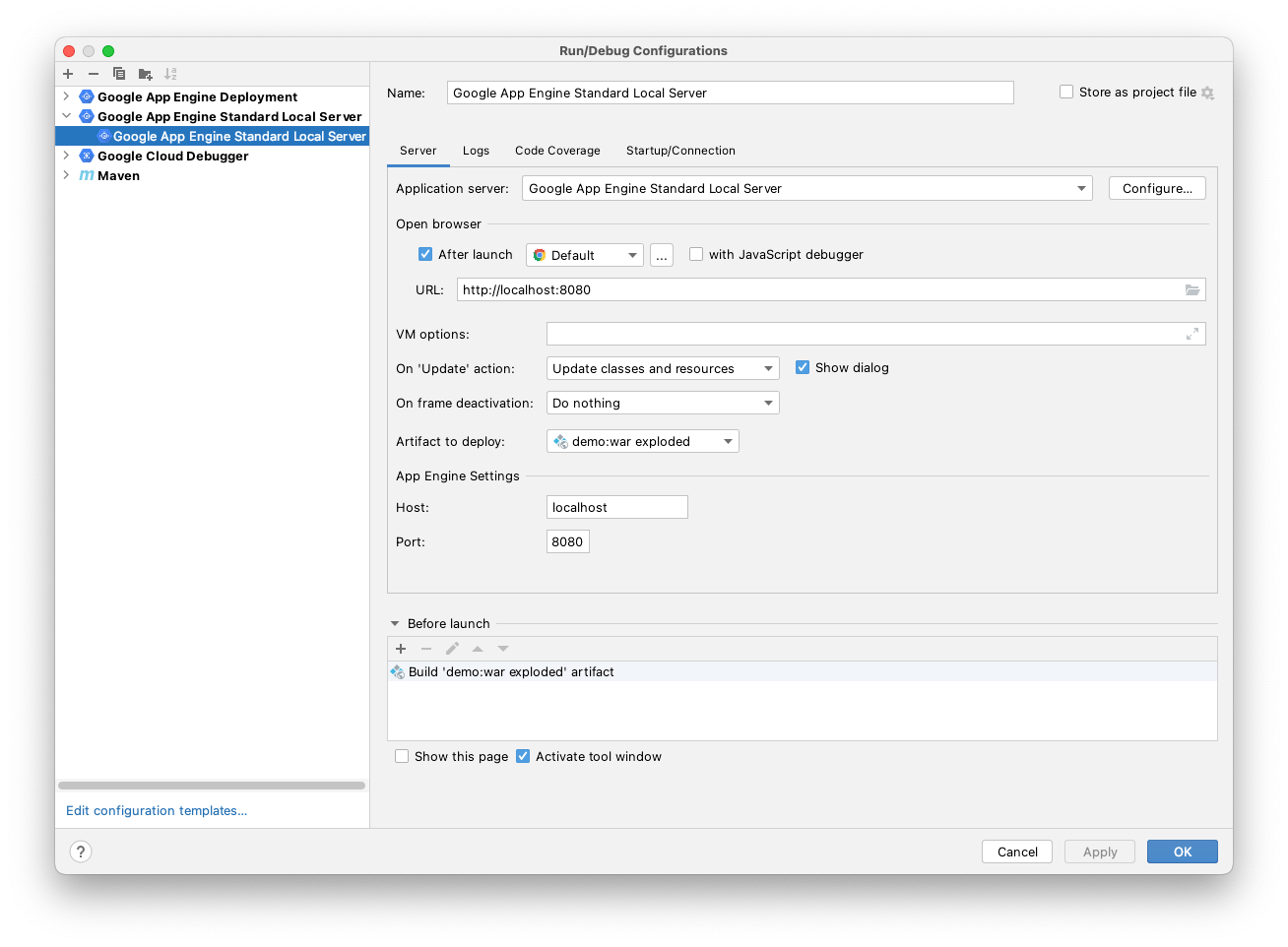
(Optional) Run Natively
This is not recommended with an IDE as you have to manage updating your artifacts yourself, it does not support live reload
$ mvn appengine:run